
Progress reports are available in 2 ways:
1) Within the parent section of the app. To access this, go to the title screen and swipe right on the parents tab as shown below:
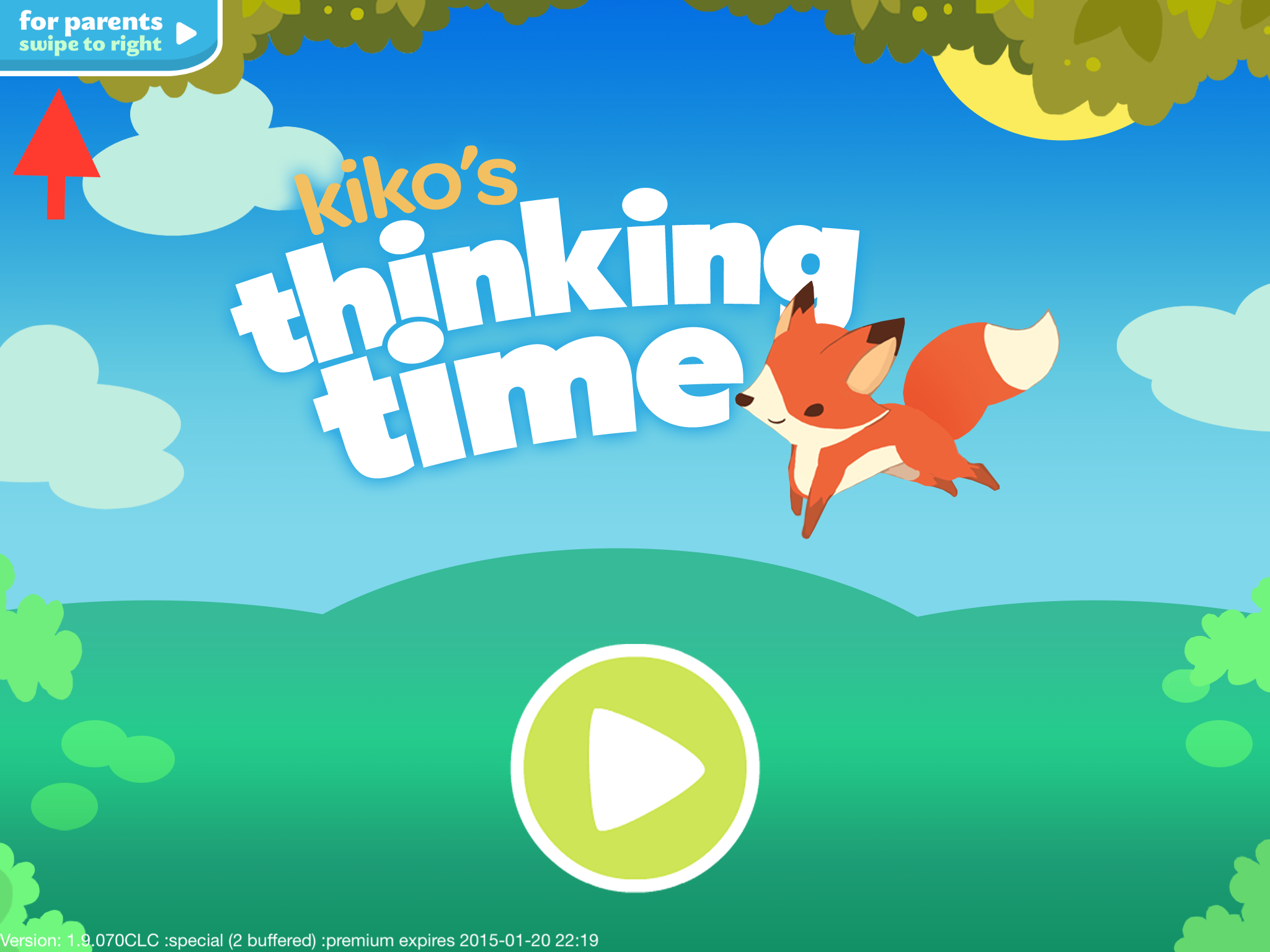
You will now be placed in the parent section and you can access your children's reports in the Profile and Progress view.
2) On Kiko Labs' educational portal. To get access to the portal, make sure you sign up for progress reports on the Parents tab. Once your email is registered, you'll receive an invitation to view your child's progress on our portal when there is sufficient play data (typically about 20-30 minutes of total cumulative playtime).
0 Comments