
Once the classroom is selected, students can tap on their name icon to play on their personalized profile.
- The title screen will now reflect the names of the students in your classroom. If there are more than 4 students, the profile selector will show up as shown below.
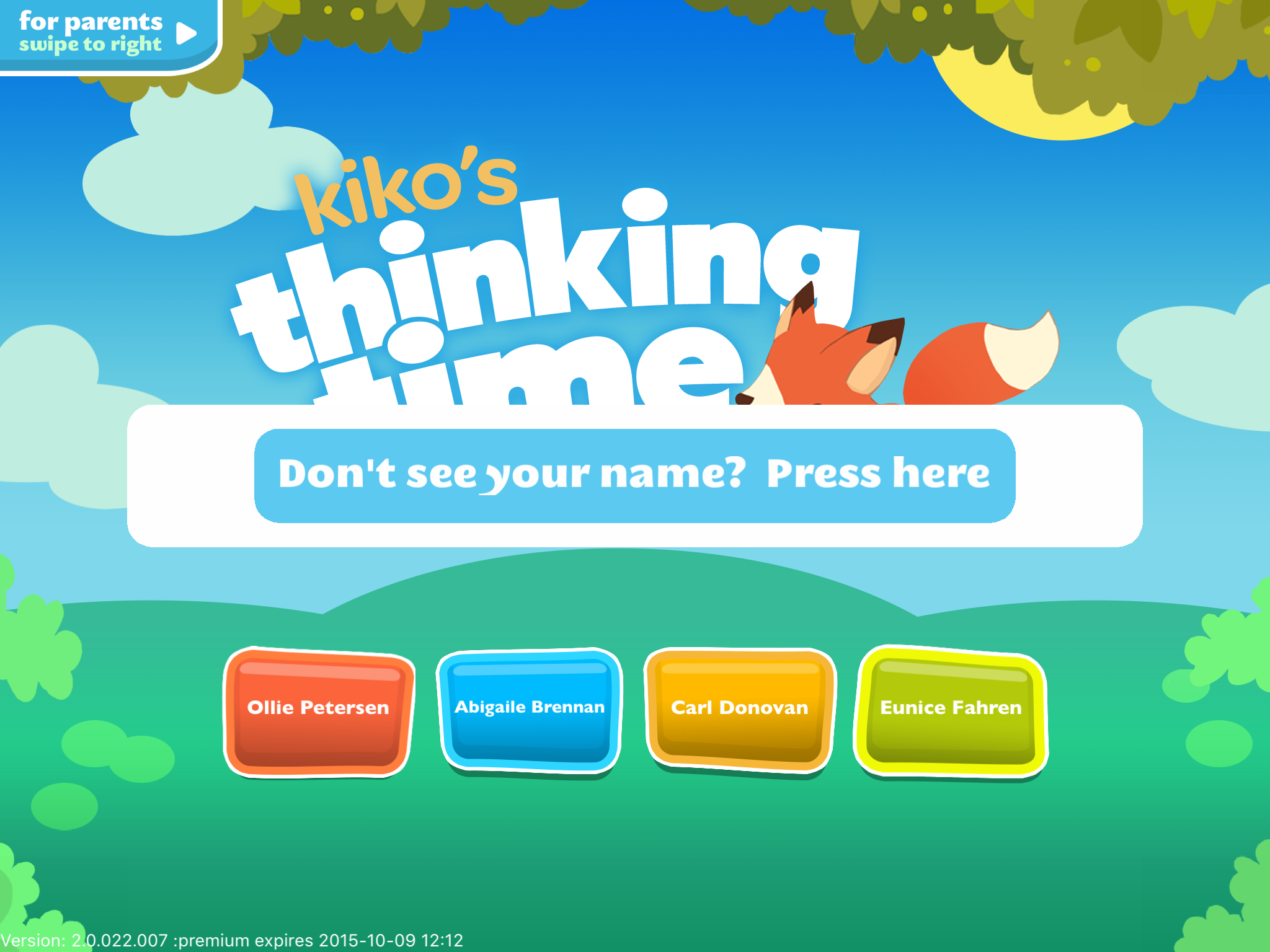
- If the child does not see their name, tap on the blue bar. When the profile selector screen appears, tap up to the first 3 letters of the student’s first name. The app will filter the accounts and show options as soon as there are 4 or fewer names.
0 Comments