
STEP 2 OF 2: SET UP DEVICES
Download and install application on the device(s). Kiko’s Thinking Time currently works on iPads (2nd generation or later). Android support is coming soon.
- Make sure that the device(s) are connected to the Internet.
- Navigate to App Store icon on the device and launch the App Store.
- Search for “Kiko’s Thinking Time” in the search bar.
- Start the installation process.
Launch the app and log in as a teacher to access your classroom.
- On app startup, tap on the “Educator? Click here” button shown below.
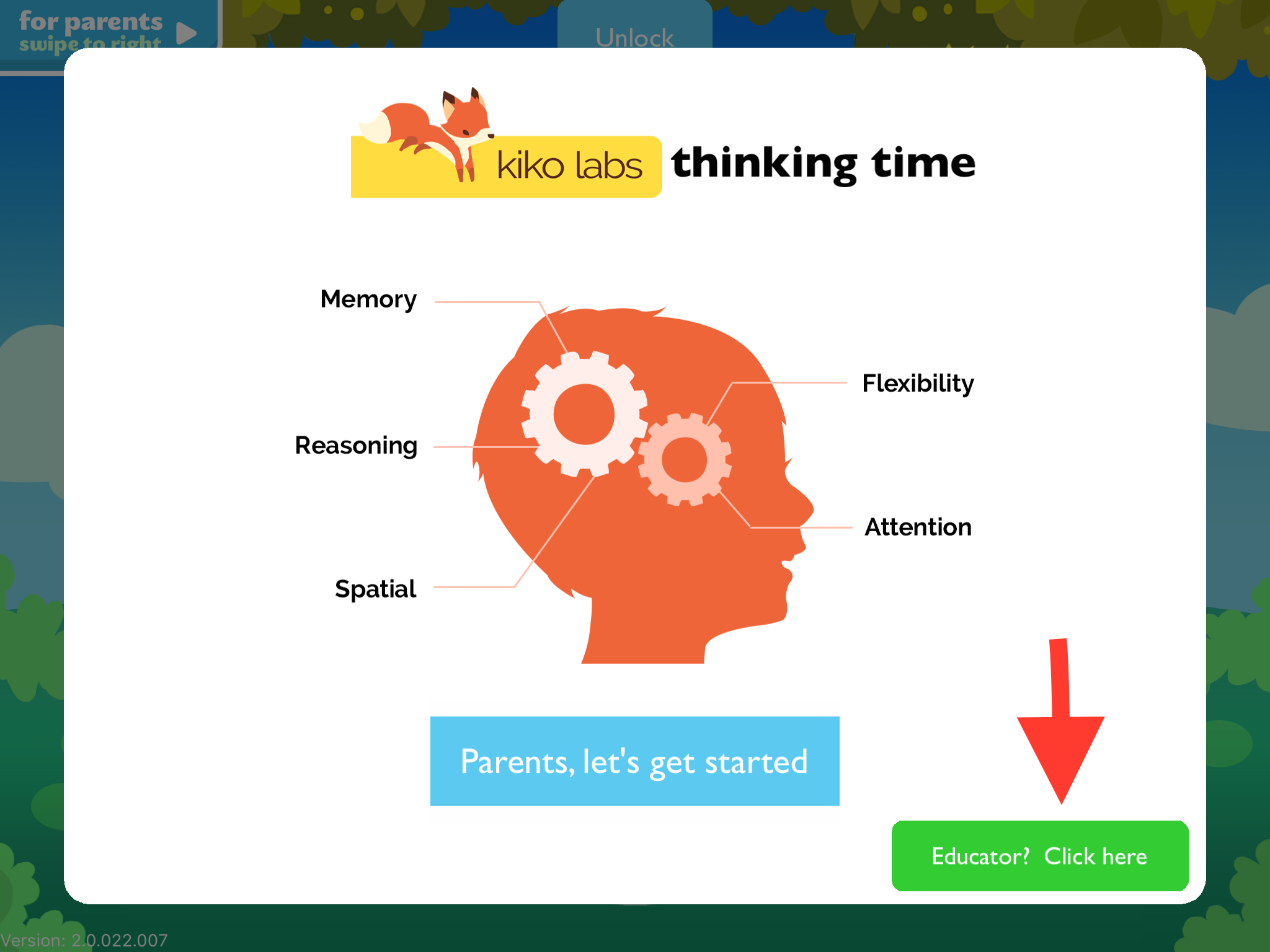
- Follow instructions to enter the parental gate.
- Log in using your educational account (teacher)
- You’ll be able to select from your classroom(s) if you have created more than one.
- Once education mode is enabled, tap the Home Button to exit set up.
0 Comments